







Create an account
Sign up, add your company details, and list the jobs you want to track. Your account is ready in minutes.
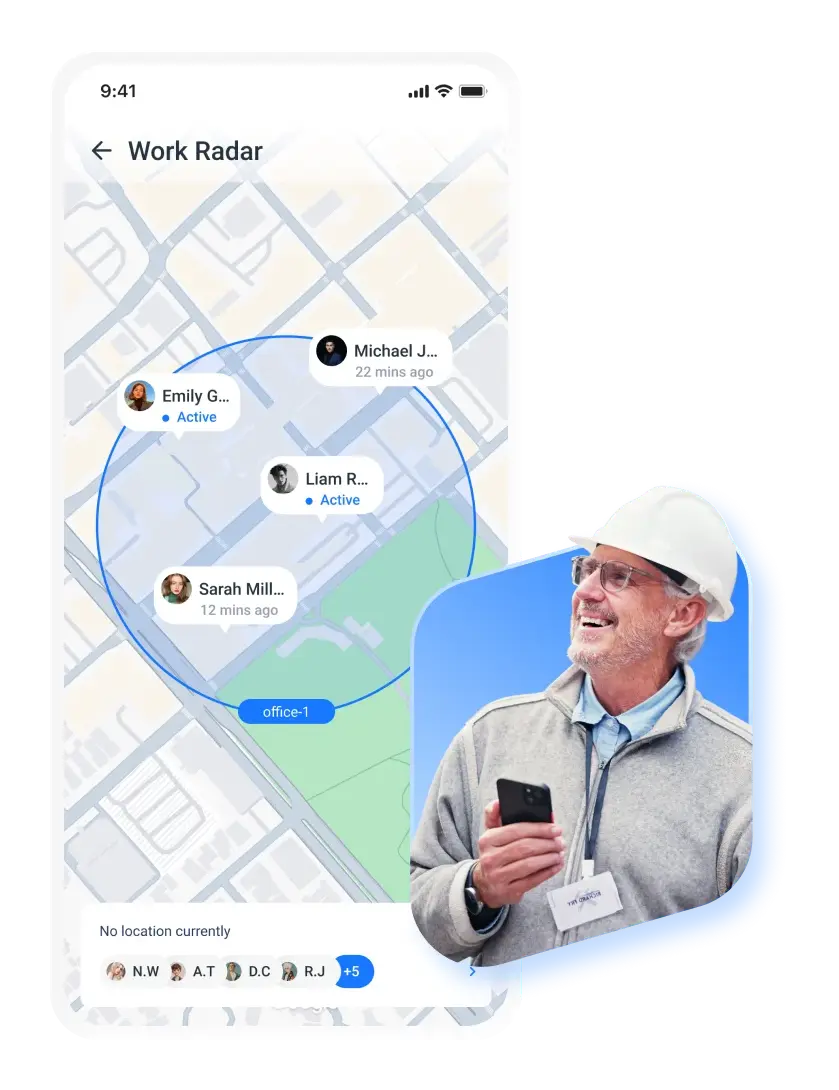
Verify on-site work and understand movement during shifts without turning location tracking into constant surveillance.
Zero
buddy punching incidents
100%
audit trail for compliance
23% lower
unnecessary overtime costs
EASILY MANAGE THE DAILY WORK
GPS tracking helps teams verify on-site work, understand movement during shifts, and resolve time and location questions without relying on constant supervision.
Location data provides clarity when schedules, clock-ins, and real-world activity don't perfectly line up.
START MY 14-DAY FREE TRIAL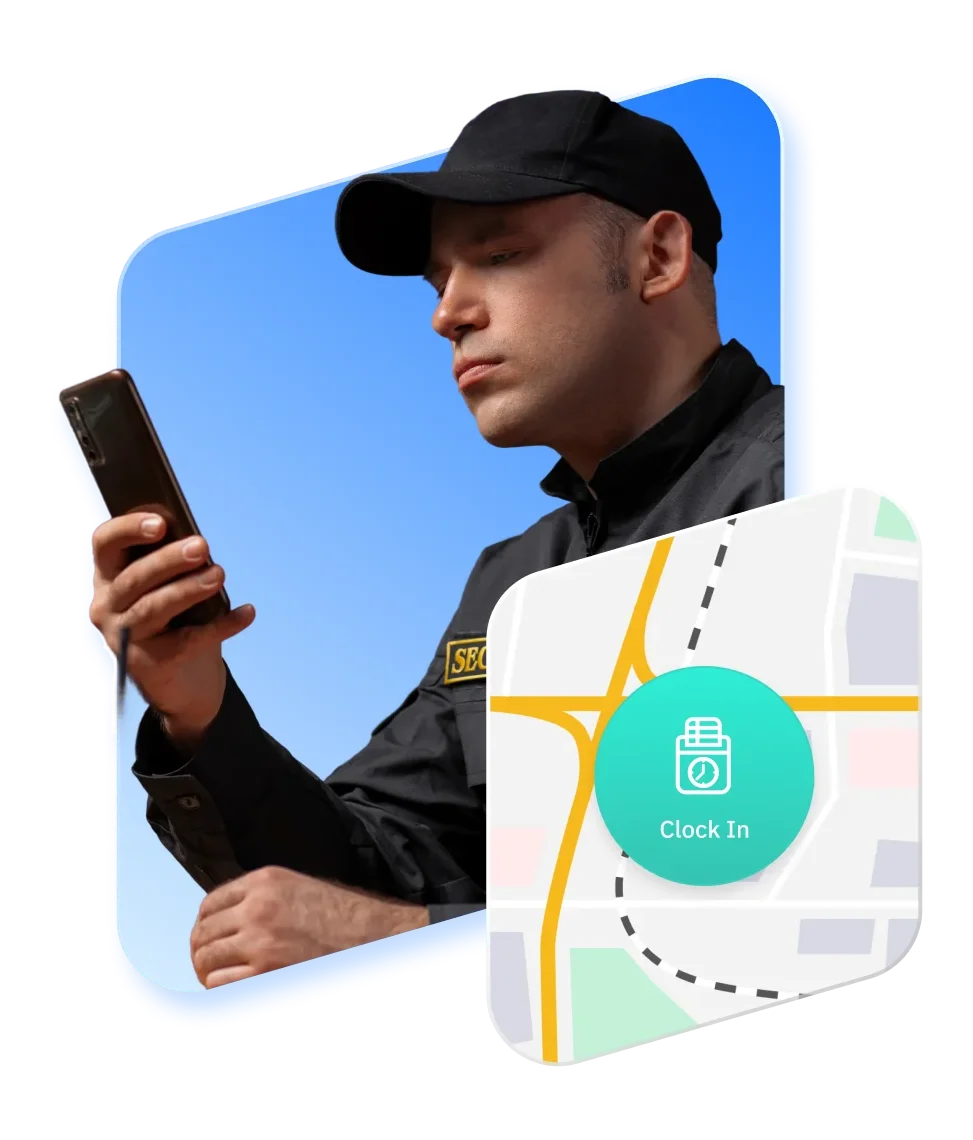
GPS records confirm that work starts and ends at approved job sites. This helps prevent off-site clock-ins and gives teams confidence that hours are logged where work actually happens.
By linking schedules, clock-ins, and location data, teams can validate when and where work took place. This alignment makes timesheets easier to review and reduces disputes around time and attendance.
Location timelines show how work unfolds across a shift. Routes, stops, and timestamps help managers review job duration, travel time, and gaps between tasks with real context.
Clear location records reduce back-and-forth over questioned hours or missing context. When time and location data agree, approvals move faster and manual corrections drop.
GPS tracking supports teams working across multiple sites, routes, or service areas. This is especially useful for construction, maintenance, delivery, and service teams that operate outside a single fixed location.
Location data is captured only during active work time and in defined contexts. Teams get the visibility they need to verify work without turning GPS into constant surveillance.
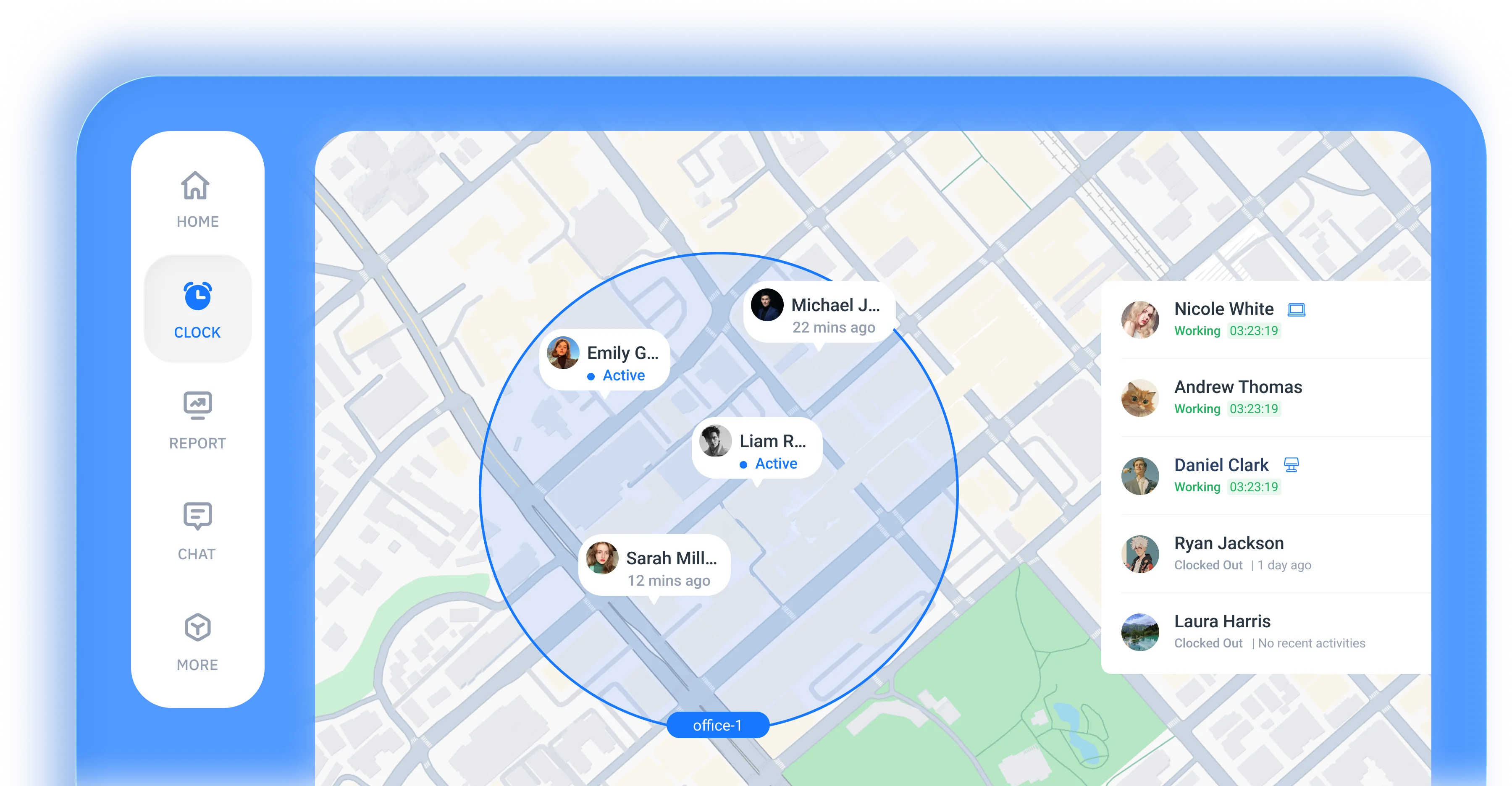
Location is recorded automatically when employees are clocked in. GPS tracking starts at clock-in and stops at clock-out, creating consistent location records without manual actions or constant check-ins.
Each shift captures verified GPS locations at the start and end of work. This helps confirm where work begins and finishes without relying on manual explanations.
GPS data is organized into a clear route history for each shift. Managers can review where work happened, how employees moved between locations, and how time was spent across the day.
Job sites can be defined with location boundaries employees must be within to clock in or out. This ensures work is recorded at approved locations and prevents off-site or accidental entries.
GPS locations are captured even when devices lose internet access. Data automatically syncs once connectivity is restored, keeping shift records complete and reliable.
GPS tracking follows clear boundaries. Location data is only collected during working hours and only for work purposes. No tracking outside shifts and no visibility into personal movement.
works for you
From GPS tracking to automated timesheets, we capture every work hour accurately and effortlessly
 START FOR FREE
Field teams and mobile workforces use ShiftFlow to verify where work happens during active shifts. ShiftFlow is commonly used by businesses where employees move between job sites, work across service areas, or need location-based confirmation for time and attendance.

Clock in and out with one tap
Manually add or adjust time
Automatically track break time
Track hours by shift
Require clock-ins at specific locations
Review recorded work hours
Edit and correct time entries
Generate employee timesheets
Automatically clock out at shift end
Create and manage work shifts
Assign employees to shifts
Schedule across multiple locations
Link shifts to specific jobs
Choose when the work week starts
Manage schedules across time zones
Add details or instructions to shifts
View previously worked shifts
See schedules for each team
Set and manage pay rates
Define payroll cycles
Apply overtime calculation rules
Configure premium or special pay
Preview estimated earnings
Monitor total labor spending
Track work-related expenses
Compare job revenue and labor cost
Break down costs by category
View total hours worked
Review payroll period summaries
Analyze hours by job code
Analyze labor costs across teams and jobs
Review expense totals and details
Access past time and cost data
Export reports for external use
Track time and payroll approvals
Overview of team hours and costs


Employer Choice
App of the Year
for 2025

Liam Reyes
Project Manager
ShiftFlow is the first time-tracking tool our whole team adopted without friction. It's now our default system.
Joe Chapman
Operations Director
ShiftFlow keeps our foremen and project managers aligned. We finally see who is on-site, who wrapped early, and how much each phase truly costs.
Emily Garcia
Site Supervisor
We've tried many time-tracking apps, but none are as easy to use as ShiftFlow. It's a great fit for our team.
SETUP IS EASY IN MINUTES
Sign up, add your company details, and list the jobs you want to track. Your account is ready in minutes.

Share the invite code from "More → Team Members". Team members follow guided instructions to download the app and join the right projects.

Once they join, team members tap "Clock In" on arrival. You get real-time visibility into every site and shift.
Sign up now to start a 14-day free trial and get your full crew on board

FAQ
Explore how-to articles and walkthroughs designed to keep your team moving
No. ShiftFlow only records GPS location during active work shifts. Tracking starts when an employee clocks in and stops automatically at clock-out. There is no location tracking outside working hours.
GPS tracking starts at clock-in and stops at clock-out. Location data is collected only while employees are on the clock, ensuring GPS tracking is used strictly for work-related time and attendance.
ShiftFlow records GPS locations related to work activity, such as clock-in and clock-out locations and movement during active shifts. It does not track personal activity or off-duty movement.

ShiftFlow captures GPS location data even when devices are offline. Once an internet connection is restored, location data syncs automatically so shift records remain complete and accurate.
GPS tracking helps verify where work happens and supports accurate time records. Location data can be reviewed alongside work hours to reduce disputes, confirm job sites, and approve timesheets with confidence.
Yes. Employees can view their own time and location records, helping them understand how their work hours are tracked and ensuring transparency in employee GPS tracking.