








Create an account
Sign up, add your company details, and list the jobs you want to track. Your account is ready in minutes.
Turn tracked hours into reviewed, approved records teams can rely on for payroll, billing, and reporting.
3x faster
payroll processing speed
89% fewer
errors in timesheet reporting
5+ hours
reclaimed by managers weekly
EASILY MANAGE THE DAILY WORK
Timesheets help teams turn tracked hours into confirmed records they can rely on.
By reviewing and finalizing time in one place, teams keep payroll, billing, and reporting aligned without chasing corrections later.
START MY 14-DAY FREE TRIAL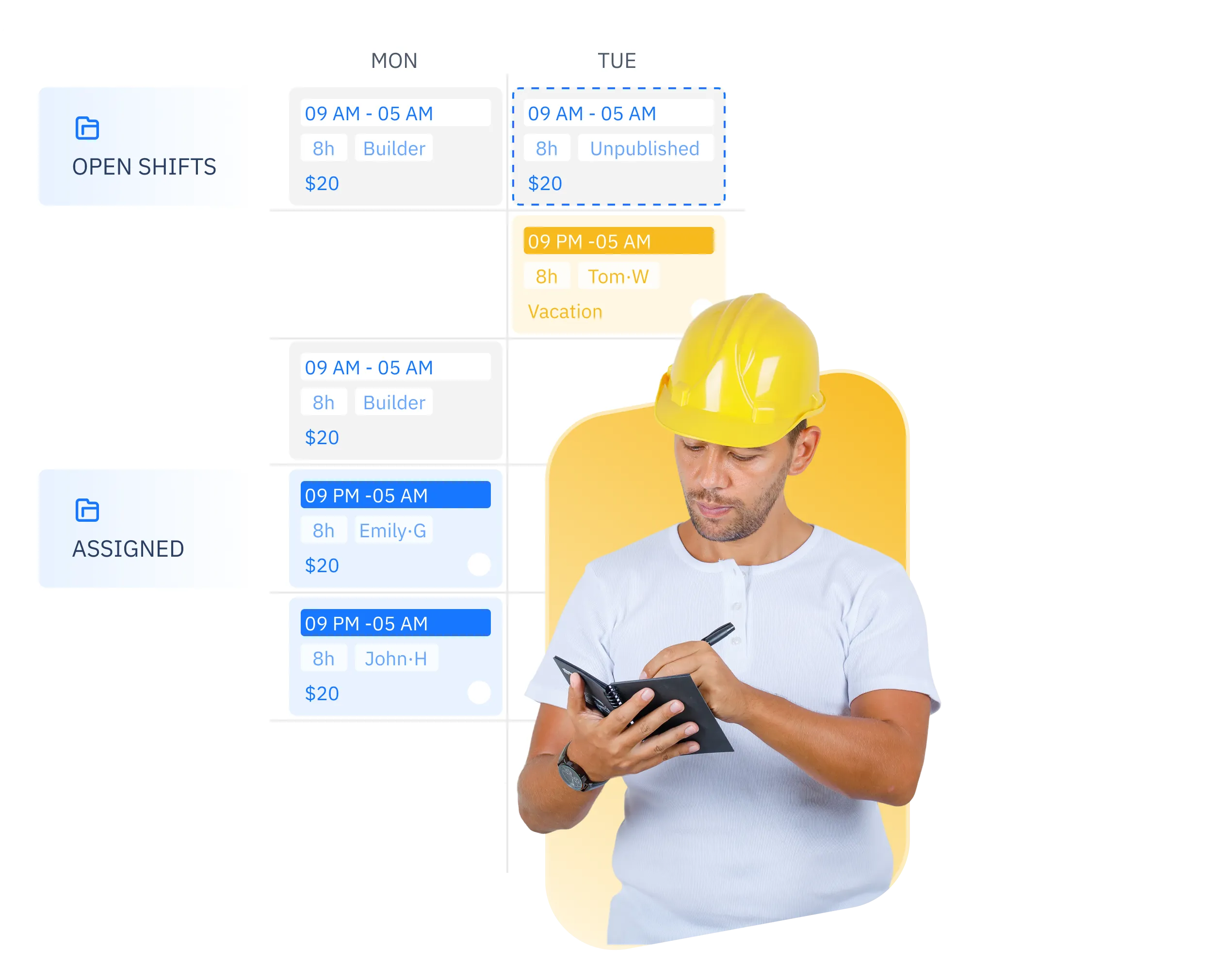
Timesheets bring tracked hours into a single, reviewable record. Before time moves downstream, teams can confirm that work hours reflect what actually happened, helping prevent disputes and ensuring fairness across teams.
Instead of scattered messages and manual checks, timesheets create a clear approval flow. Submitted time can be reviewed, adjusted when needed, and approved with full context, reducing friction between operations, managers, and finance.
Once approved, time records are structured and ready to be used for payroll and billing. Clean, consistent timesheets reduce last-minute fixes and help financial processes run on schedule.
Finalized timesheets feed directly into reports that break down hours by project, client, or team. This gives teams visibility into how time is spent and supports planning, accountability, and external transparency.
Using a shared timesheet structure ensures work hours are reviewed and stored the same way across the organization. Consistent records make audits, cross-team comparisons, and historical reviews easier to manage and trust.
Timesheets keep a clear record of edits and approvals. Teams can see when changes were made and ensure finalized time remains reliable and auditable over time.
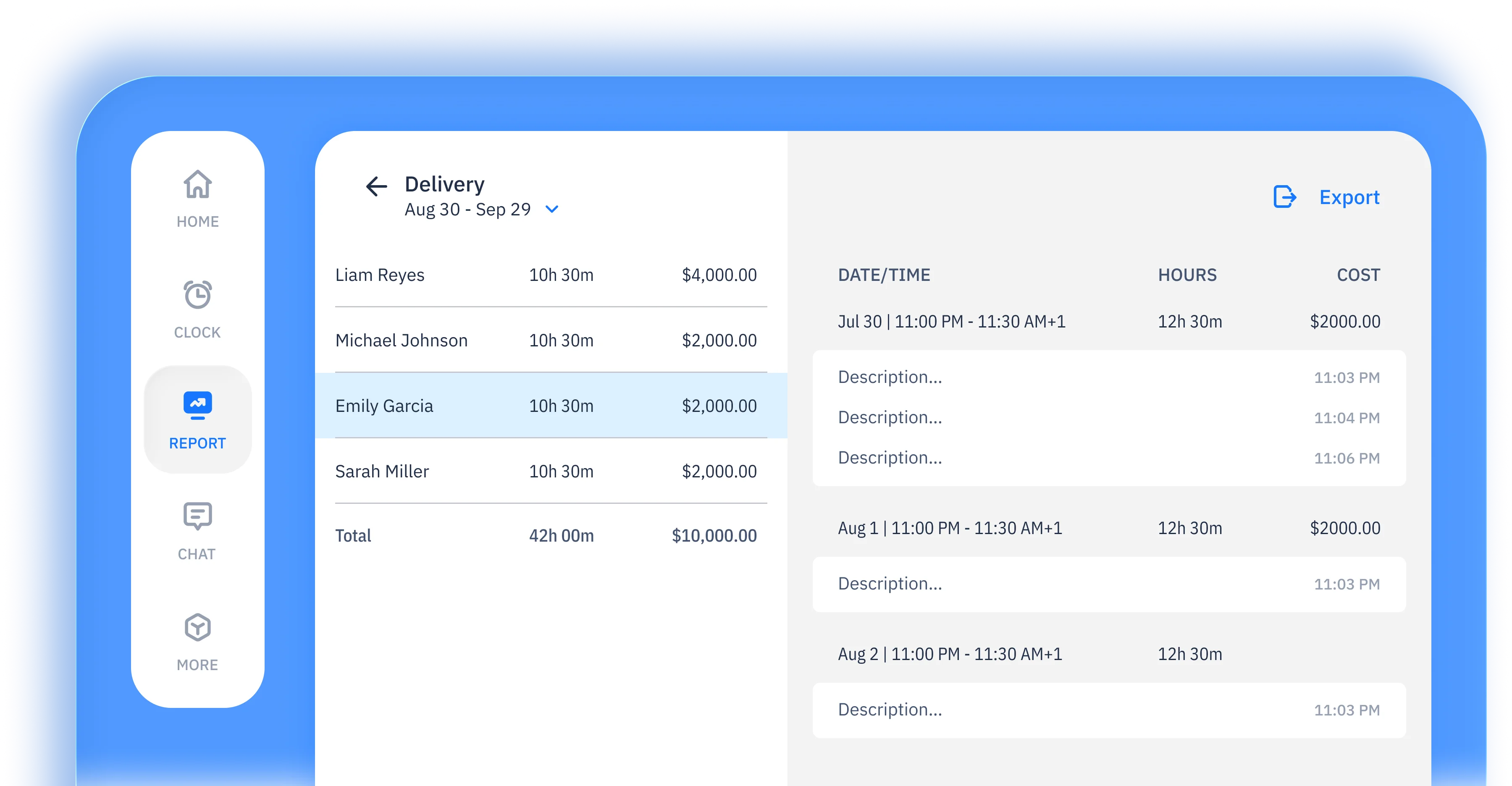
Timesheets present tracked hours in a clear, structured format that's easy to review and approve. Managers and admins can quickly confirm work hours without digging through raw time entries.
Timesheets are organized and ready for payroll processing. Approved records can be exported or synced to payroll systems, reducing manual adjustments and delays.
Finalized timesheets feed directly into reports that break down hours by project, client, or team. This gives teams visibility into how time is spent and supports planning, accountability, and external transparency.
Missed an entry or need to adjust time? Timesheets support adding entries later and making bulk edits, so records stay accurate without extra work.
Timesheet data can be exported in common formats or connected to accounting and payroll tools. This keeps timesheets aligned with the systems your business already uses.
Employees and managers can see submitted timesheets and approved hours, helping everyone stay aligned on recorded work time.
works for you
From GPS tracking to automated timesheets, we capture every work hour accurately and effortlessly
 START FOR FREE
ShiftFlow timesheets are used by teams that need a clear, reviewable record of work time before it moves downstream. This includes teams managing hourly or shift-based work, teams that need manager approval before time is finalized, and teams that rely on consistent time records for payroll, billing, or internal reporting.

Clock in and out with one tap
Manually add or adjust time
Automatically track break time
Track hours by shift
Require clock-ins at specific locations
Review recorded work hours
Edit and correct time entries
Generate employee timesheets
Automatically clock out at shift end
Create and manage work shifts
Assign employees to shifts
Schedule across multiple locations
Link shifts to specific jobs
Choose when the work week starts
Manage schedules across time zones
Add details or instructions to shifts
View previously worked shifts
See schedules for each team
Set and manage pay rates
Define payroll cycles
Apply overtime calculation rules
Configure premium or special pay
Preview estimated earnings
Monitor total labor spending
Track work-related expenses
Compare job revenue and labor cost
Break down costs by category
View total hours worked
Review payroll period summaries
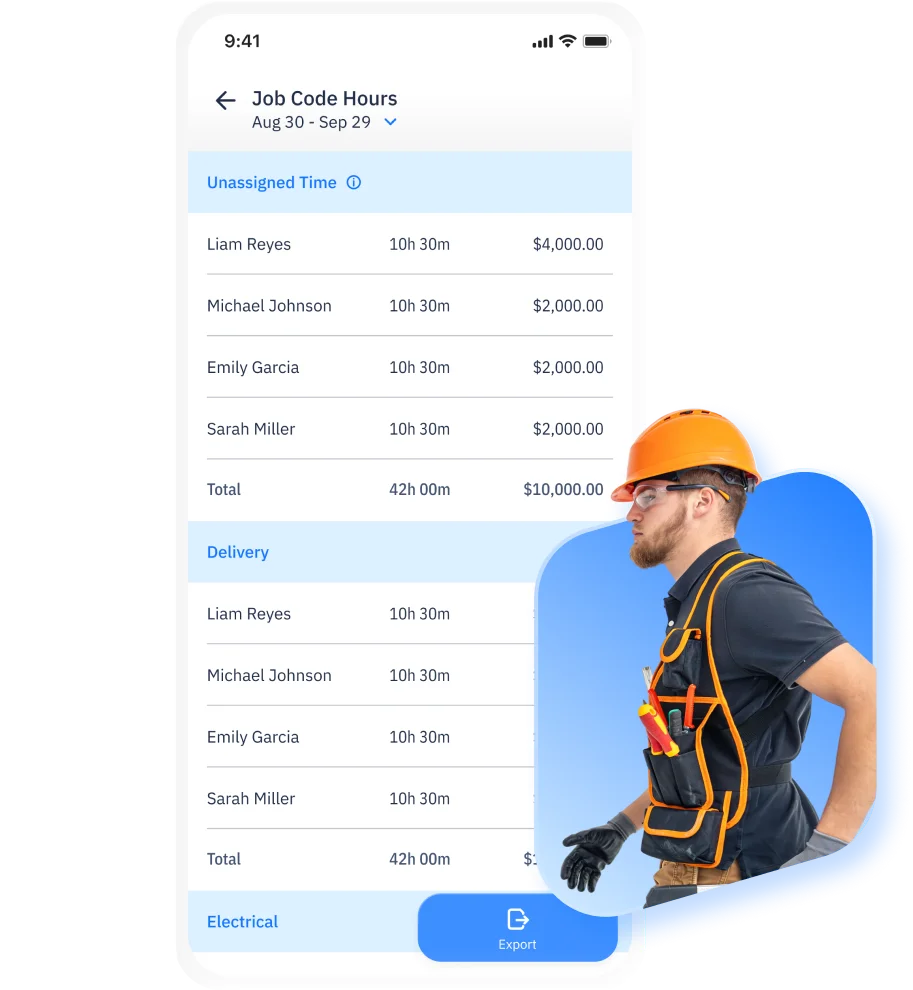
Analyze hours by job code
Analyze labor costs across teams and jobs
Review expense totals and details
Access past time and cost data
Export reports for external use
Track time and payroll approvals
Overview of team hours and costs


Employer Choice
App of the Year
for 2025

Liam Reyes
Project Manager
ShiftFlow is the first time-tracking tool our whole team adopted without friction. It's now our default system.
Joe Chapman
Operations Director
ShiftFlow keeps our foremen and project managers aligned. We finally see who is on-site, who wrapped early, and how much each phase truly costs.
Emily Garcia
Site Supervisor
We've tried many time-tracking apps, but none are as easy to use as ShiftFlow. It's a great fit for our team.
SETUP IS EASY IN MINUTES
Sign up, add your company details, and list the jobs you want to track. Your account is ready in minutes.

Share the invite code from "More → Team Members". Team members follow guided instructions to download the app and join the right projects.

Once they join, team members tap "Clock In" on arrival. You get real-time visibility into every site and shift.
Sign up now to start a 14-day free trial and get your full crew on board

FAQ
Explore how-to articles and walkthroughs designed to keep your team moving
An employee timesheet is a structured record of work hours over a specific period. Timesheets organize tracked time into a format that can be reviewed, approved, and used for payroll, billing, and reporting.
Time tracking records work hours as they happen. Timesheets take that tracked time and turn it into reviewed and approved records that are ready for payroll, billing, or reporting.
Businesses use timesheet software to prepare accurate work hour records before payroll and billing. Timesheets help reduce errors, resolve disputes, and create consistent records across teams and pay periods.

Employees can review and adjust timesheets before approval. Once timesheets are approved, changes are limited to help keep records consistent and reliable.
Timesheets organize work hours into payroll-ready records. Approved timesheets can be exported or connected to payroll and billing systems, reducing manual adjustments and delays.
Timesheets make it easier to spot missing or unusual entries before payroll. Issues can be reviewed and corrected early, helping avoid last-minute fixes or disputes later.
Yes. Employees can review their own timesheets, helping them understand recorded work hours and stay aligned before approval and payroll.
Yes. Timesheets can be used across teams with different schedules, roles, and pay periods, making them suitable for businesses with varied work patterns.
Yes. Timesheet data can be exported in common formats or connected to payroll, accounting, and reporting systems to keep work hour records aligned.